
7 Original Freestyle Video Ideas from One Image
Build a distinctive original dance concept through wardrobe, color and starting-image composition, without writing a prompt or recreating a real artist.
Preview: image preparation and Waffo payments are available. Public video generation remains closed during validation; purchasing does not unlock it.
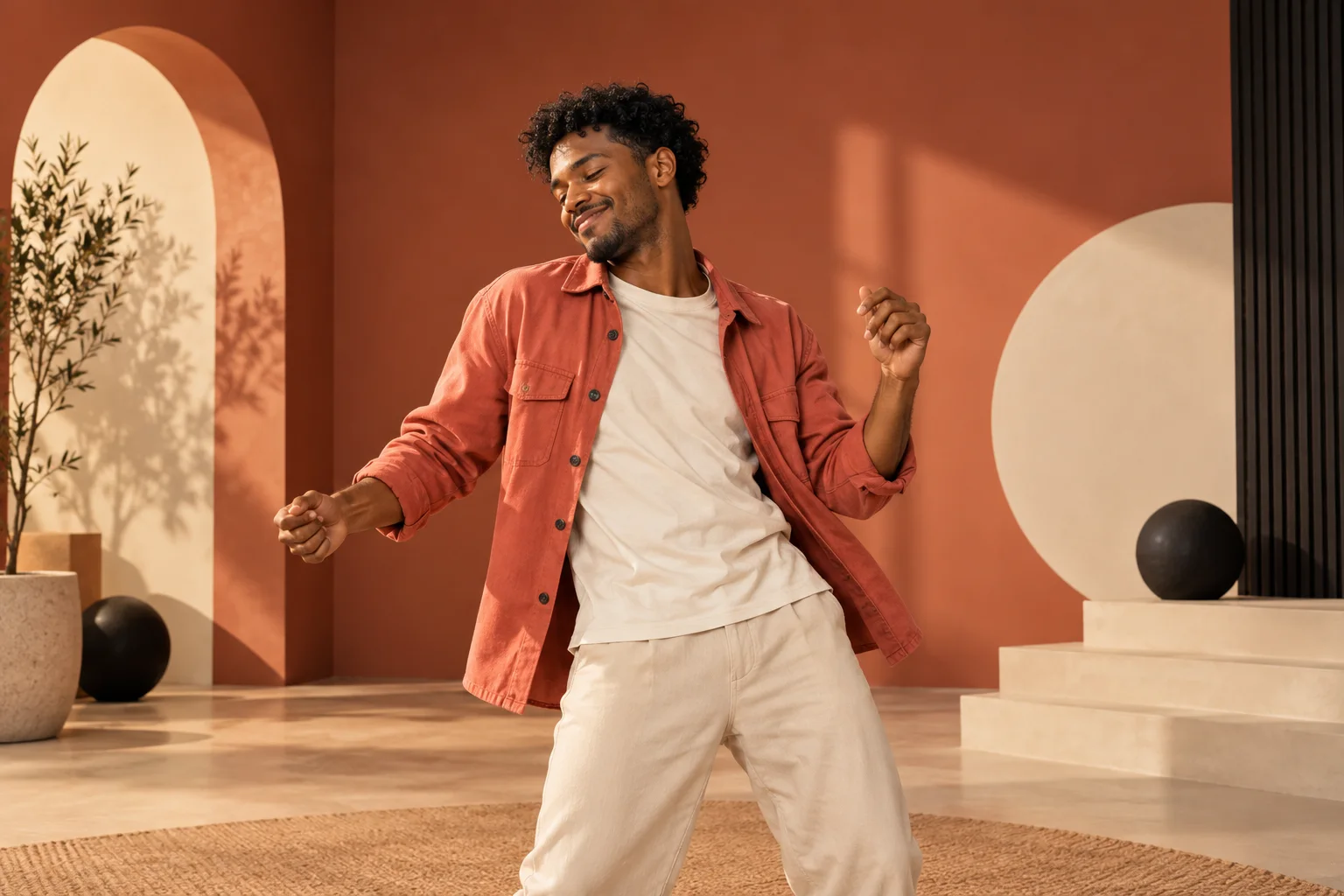
These original freestyle video ideas begin with a single image: choose an outfit, color or visual contrast that remains readable while the subject moves. The concepts help you prepare a personal look within a fixed performance direction.
Choose original freestyle video ideas that read clearly
A distinctive portrait can carry an original freestyle idea. Bulin 47 Video keeps the motion and settings fixed, so your visual choices start with the subject, outfit, color and composition in the image. No prompt-writing session or reference footage is required.
The seven directions below are starting-image concepts, not selectable product presets or proven video outputs. The workflow aims for original freestyle motion; generated scenes and details can vary. Waffo payments are available for video allowances. Public generation remains closed during validation; purchasing does not unlock it.
1. The bold color-block look
Start with one adult subject wearing a single strong color against a simple contrasting background. A coral jacket on an ivory or muted green setting creates an immediate focal point. Keep the face, hands and outfit readable.
This freestyle video idea establishes its visual contrast before motion begins. You are choosing a wardrobe and composition, not requesting exact choreography or a camera move.
2. The dressed-up unexpected dancer
An original adult character in a smart jacket can create a playful contrast between formal styling and upbeat freestyle energy. Keep the jacket and face visible in an upper-body portrait; this idea should not depend on shoes appearing in the generated frame.
Choose your own image or a fictional adult you are authorized to use. Do not imply a real professional, celebrity or public figure performed the dance. A recognizable person's likeness requires appropriate permission.
3. The minimalist studio portrait
A plain background, soft light and a clean silhouette give you a strong uncluttered starting frame. Let the subject take up enough of the image to remain readable while leaving room above the head and beside the shoulders.
This minimalist freestyle idea puts attention on the person. A studio-style source is a visual starting point; it does not lock the later background or guarantee every detail will remain unchanged.
4. The original illustrated adult
Create an adult character with a simple silhouette, a small color palette and readable clothing. Clear separation between the limbs makes the image easy to understand. Avoid protected franchise characters or a disguised imitation of a real artist.
Illustrated proportions and fine details may be reinterpreted during motion. Treat the style as a creative input and review the finished result rather than promising exact continuity from the still image.
5. The personal celebration look
Prepare an authorized image of an adult dressed for their own celebration. A favorite color or distinctive outfit can make the idea personal without relying on a famous performance or copied song.
Add names, birthday messages or other text later in your own editor if needed. The generator has no caption field, and tiny lettering in a source image may become distorted. Keep the starting image visually clear.
6. The vintage wardrobe contrast
An original adult in a vintage-inspired outfit offers a strong visual direction without copying a known character. Choose simple shapes and avoid branded or protected costume elements unless you have permission.
The image supplies the look; it does not select a period-specific dance. The original freestyle instructions stay fixed. That makes wardrobe the useful creative variable here.
7. The clean social portrait
Plan a clear vertical upper-body portrait with space for a later caption and platform controls. Keep the important action area toward the center and avoid filling every edge with details. See the vertical framing guide.
Start strong and keep it simple. One compelling image, clear subject separation and a deliberate color choice give you a confident direction. Use the photo checklist, then prepare the image. A prepared concept is not a generated video.
Budget for the ideas you actually want
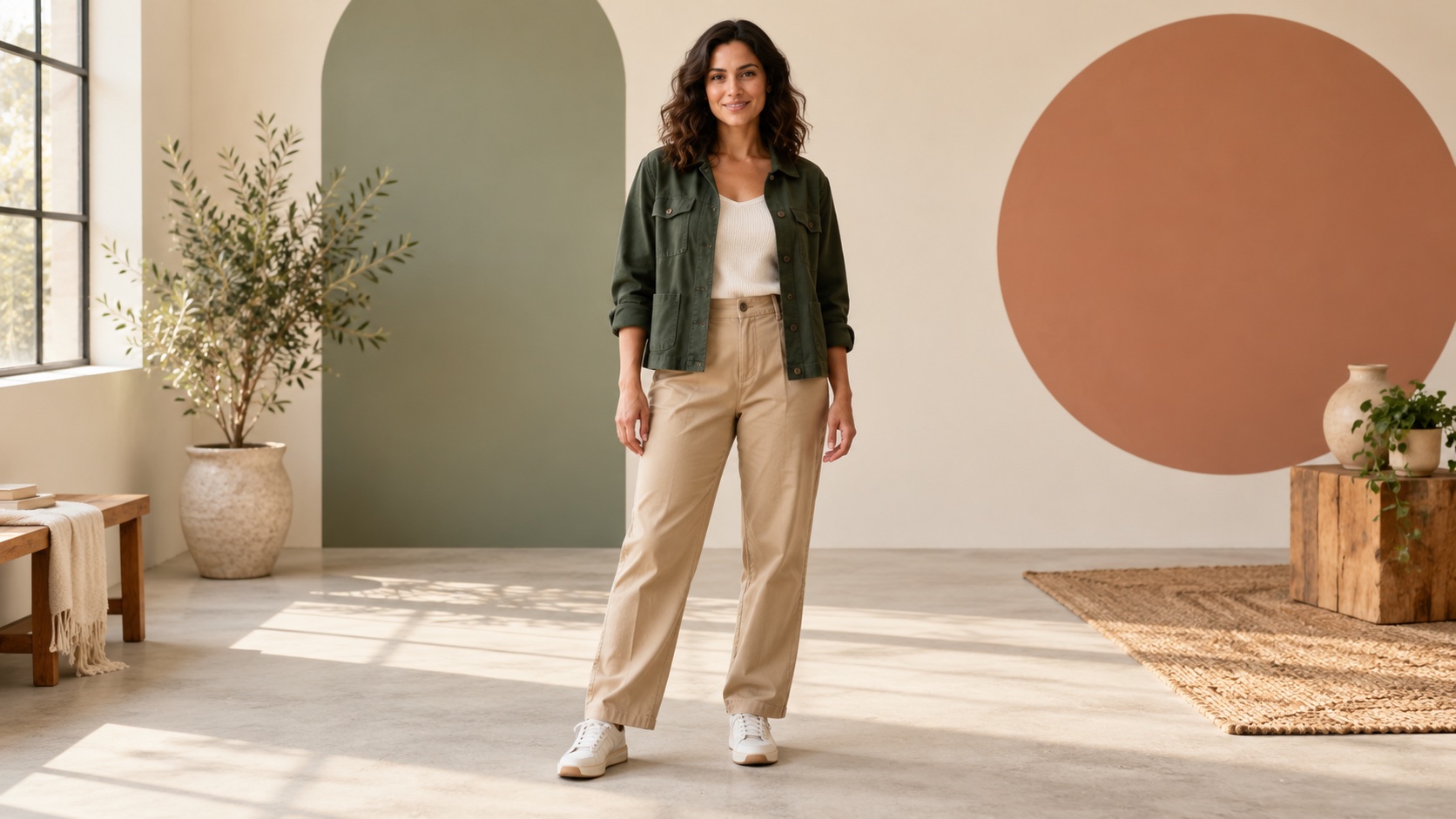
The seven-video pack is $29.90, approximately $4.27 per video. It can be a useful way to budget for separate future variations if you intend to use all seven allowances. It does not include seven selectable templates; each generation uses the same fixed workflow with your chosen image.
A new completed variation uses another allowance. Confirmed technical failures and cash refunds follow separate terms. Read the pricing explanation; Waffo payments are available, while public generation remains closed during validation.
For a more personal occasion, explore six birthday freestyle ideas. To plan the final social post, use our TikTok and Reels guide.
Choose one visual idea before making variations
Compare your favorite two concepts as still images before spending an allowance. Reduce each to a short description: “formal brown jacket,” “bright coral portrait,” or “retro green shirt.” If you need several sentences to explain why the outfit is funny, simplify the image or save the longer story for the caption. A short performance has limited room to establish several unrelated ideas.
For the current close venue direction, prioritize the upper half of the outfit. A jacket collar, textured shirt or familiar hairstyle can remain relevant within a chest-up composition. A joke that depends entirely on a shoe, a tiny lapel pin or a distant background sign is less dependable because the new framing may not show it. Keep those details optional rather than essential to the concept.
The current workflow targets approximately 20 seconds at 768P. It sends your photo and fixed motion text to H3, then adds the authorized soundtrack after generation. The setup is not a menu for selecting a studio, a birthday party or a different dance. Treat these examples as ways to style the lead person, not instructions that override the product scene.
When comparing finished variations, keep the original input beside each result. Look at whether the main color, clothing shape and identity remain recognizable through movement. Do not judge the concept by a single flattering thumbnail. If the outfit is clear but the face changes, that is an identity issue to review; adding more decoration to the next image does not directly solve it.
Save the strongest freestyle video idea and a short note about why it works. This makes a future social caption or birthday greeting easier to write without exaggerating what the generated clip actually shows.
Frequently asked questions
Are these seven buttons in the tool?
No. They are creative directions for preparing an image, not product modes.
Can I request a different dance for each outfit?
No. Motion instructions are fixed by the product; there is no custom choreography field.
Can I use my friend's photograph?
Use it only with the appropriate permission for animation and the intended sharing or commercial use.
Does a fictional character avoid every rights issue?
No. Use an original or properly authorized character; a fictional label does not permit copying protected designs.
Can I add a birthday caption in the generator?
No. There is no caption feature. If you edit a future output elsewhere, review that exported version too.
Can I generate these concepts now?
No. Image preparation and Waffo payments are available, but public video generation remains closed during validation; purchasing does not unlock it.